Technical AIintermediateVideo + quiz
Claude Code Best Practices
For working developers who already use git and a test runner.
 Watch the first lesson freeWelcome · 3 min
Sign in to watch one lesson from this course free.
What you will be able to do
Explain how Claude Code works and give it context with precise promptsWrite a CLAUDE.md that carries project memory between sessionsExplore and plan before coding, then give Claude a check it can runManage a Claude Code session so that long tasks stay correctReview AI written diffs by layers and set guardrails that holdAdd a feature to an unfamiliar codebase and build a four layer diff reviewer
Skills you will gain
- Claude Code prompting
- CLAUDE.md
- Plan before code
- Verification loops
- Diff review
- Guardrails
About this course
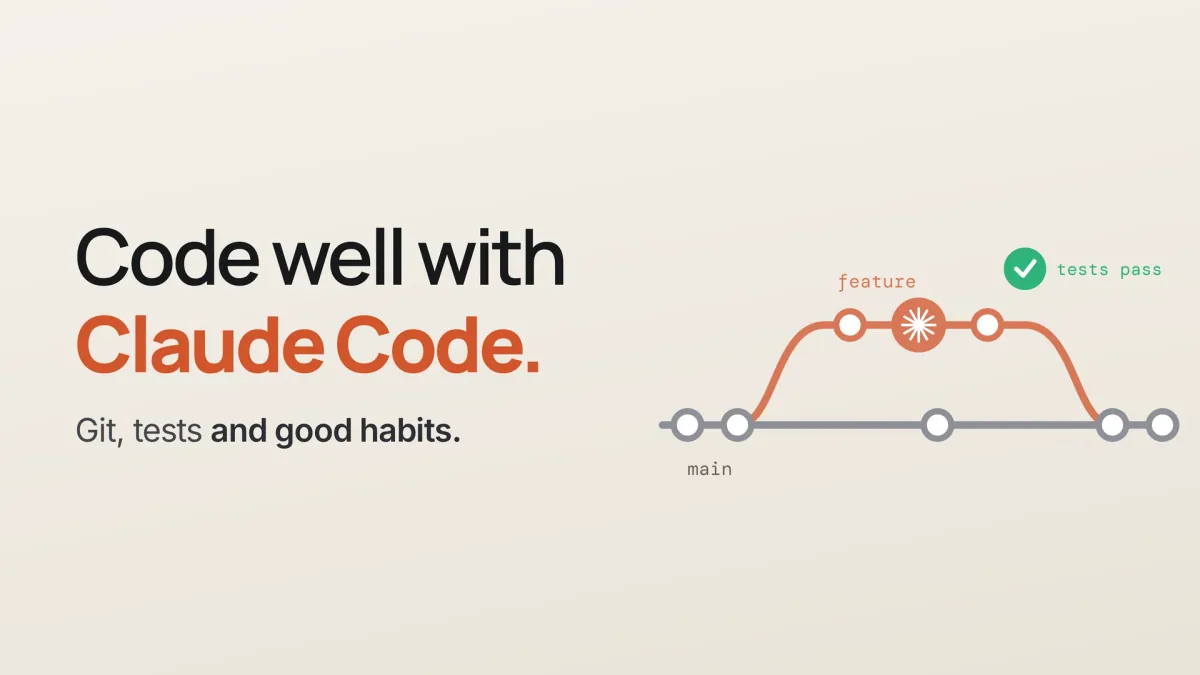
For working developers who already use git and a test runner. Learn the habits that keep Claude Code output correct: giving context with precise prompts and a CLAUDE.md file, planning before coding, giving Claude a check it can run, reviewing diffs by layers, setting guardrails that hold, and adding features to an unfamiliar codebase.
Technical AI
Curriculum
Requirements
Basic terminal skills
Git: branches, commits and diffs
How to run a test suite
A terminal, Git and jq
Node.js 22 or newer, for the lab
A repository you may change
Claude Pro, Max, Team or Enterprise, or a Console account
A free Groq key for the lab; Claude credit is optional
What you walk away with
A Yallo AI academy certificate of completion, issued when every lesson is complete and the final assessment is passed at 70% or aboveA public verification page, so a stranger can check the certificate without asking you for a filePDF download, and a one-click share to your LinkedIn profile
Yallo AI academy certifies completion of
Claude Code Best Practices