Build a Browser Extension with AI Features
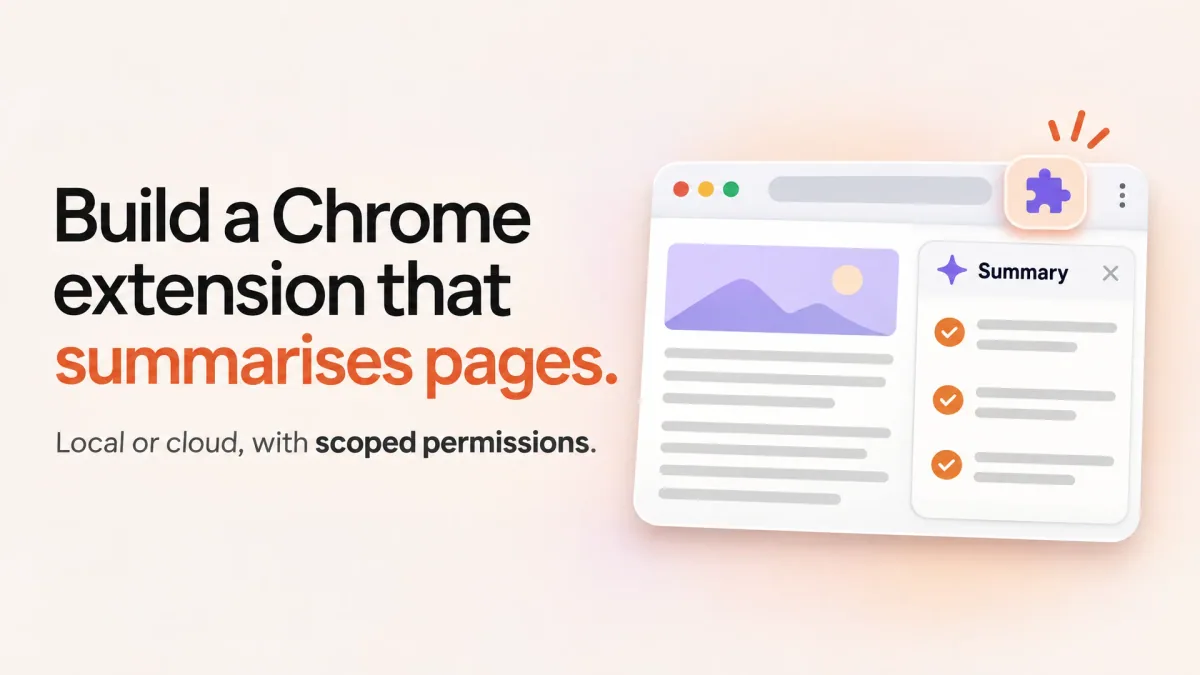
Build a real Chrome extension that summarises the page you are on with AI.
 Watch the first lesson freeWelcome: Foxglove Brief and the extension you will build · 4 min
Sign in to watch one lesson from this course free.
What you will be able to do
About this course
Build a real Chrome extension that summarises the page you are on with AI. You read and write a Manifest V3 manifest, scope permissions to a click with activeTab, pass messages between the service worker, the page and a side panel, summarise on the device with Chrome’s built-in Summarizer or in the cloud with a free Groq model, keep keys out of shipped code, mask account numbers before text leaves, render model output safely against prompt injection, debug with an AI coding assistant and prepare a Chrome Web Store listing. The lab is free.
Curriculum
Requirements
What you walk away with
Yallo AI Academy certifies completion of
Build a Browser Extension with AI Features