Technical AIintermediateVideo + quiz
Build with Open Model APIs: OpenRouter, Mistral, DeepSeek and Qwen
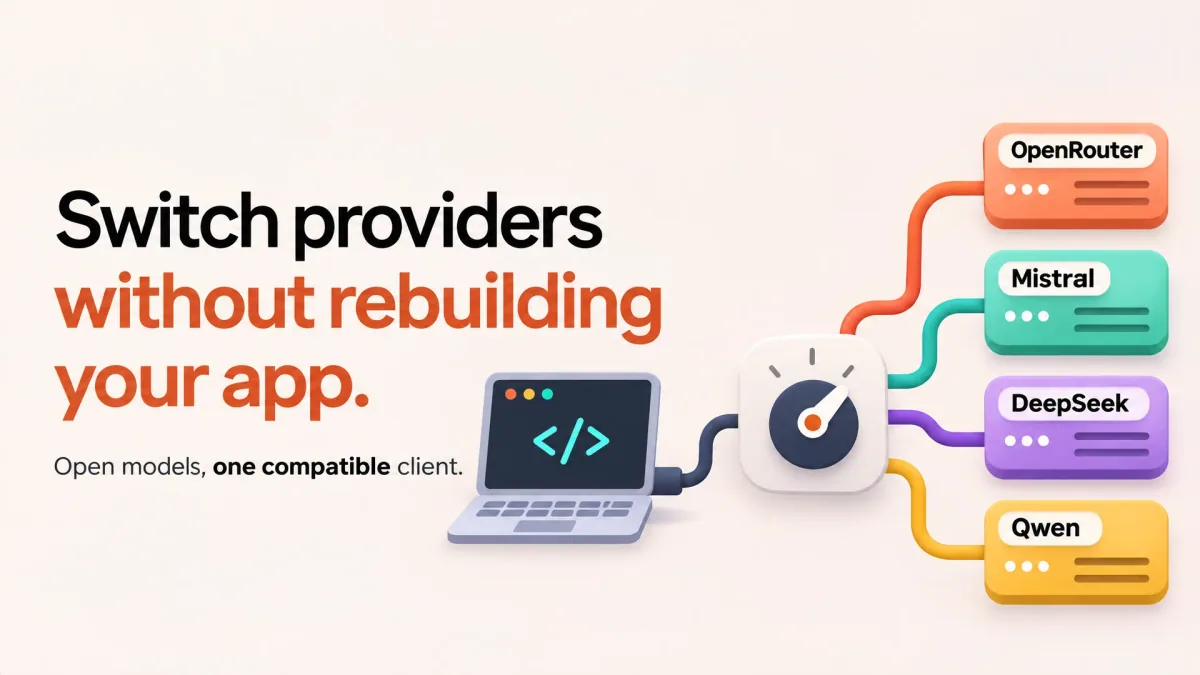
Call open models through OpenRouter and straight from Mistral, DeepSeek and Qwen with one OpenAI-compatible client.
 Watch the first lesson freeWelcome: Rookwood Clinics and the enquiry sorter · 3 min
Sign in to watch one lesson from this course free.
What you will be able to do
Call OpenRouter, Mistral, DeepSeek and Qwen with one OpenAI-compatible clientGet structured output and tool calls that survive a change of providerSet routing, fallback and data rules so requests go only where you allowCompare two models on your own task by accuracy and cost per task
About this course
Call open models through OpenRouter and straight from Mistral, DeepSeek and Qwen with one OpenAI-compatible client. Get structured output and tool calls that survive a change of provider, set routing, fallback and data rules, and choose a model on measured accuracy and cost per task. The lab runs free on Groq, or with no key in mock mode.
Technical AI
Curriculum
Requirements
How to run a Python script
What an API key and a JSON body are
Python 3 and a terminal
A free Groq key, or the lab’s mock mode
OpenRouter, Mistral, DeepSeek or Qwen keys
Only to repeat the lab on them
What you walk away with
A Yallo AI Academy certificate of completion, issued when every lesson is complete and the final assessment is passed at 70% or aboveA public verification page, so a stranger can check the certificate without asking you for a filePDF download, and a one-click share to your LinkedIn profile
Yallo AI Academy certifies completion of
Build with Open Model APIs: OpenRouter, Mistral, DeepSeek and Qwen