Claude AIfoundationalVideo + quiz
Claude Code for Non-Developers
For analysts, operations staff and marketers: use Claude Code to read, run and check scripts safely, review its changes, and undo them.
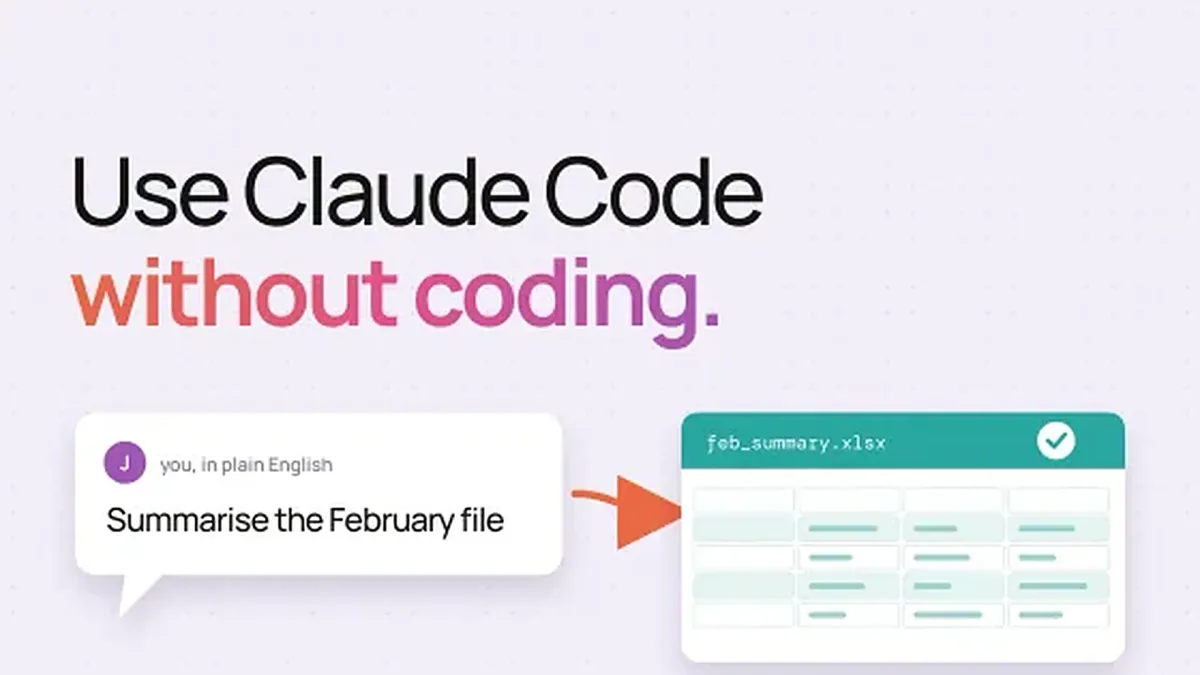
What you will be able to do
Launch Claude Code safely in the right folder and check its modeSay what leaves your machine and what never goes in chatMap a script and trace a number back to where it comes fromRun a script and judge whether its output is rightReview a change Claude Code proposes, reject it and undo itCheck a script and review a change in a hands-on lab
Skills you will gain
- Claude Code
- Permission Modes
- Read-Only Exploration
- Natural Language Querying
- Script Execution
- Output Verification
- Diff Review
- Safe AI Workflows
About this course
A foundational, quick-format course for data analysts and other non-engineers who want to use Claude Code to understand, question, and run existing code and scripts without writing or editing any of it themselves. Learners leave able to launch the tool safely, explore a codebase or calculation in plain language, run a script and judge its output, and control what the tool is allowed to do before it acts.
Claude AI
Curriculum
Welcome3 min
Requirements
How to open a terminal or the desktop app
Where a script lives on your computer
Claude Code, installed with one command in lesson 1
Python and its pandas library, to run a script on a sample
Git is helpful, but a dated copy of the script will do
An account that includes Claude Code, such as Pro, Max or Console
A script and sample data you may open
The lab should cost cents (estimate); a free chat is the fallback
Common questions
Do I need to know how to code to use Claude Code for data analysis?
No coding experience is required for this course. The course is specifically designed for data analysts and other non-engineers who want to use Claude Code to understand, question, and run existing scripts — without writing or editing any code themselves. You will learn to interact with Claude Code entirely through plain-language questions and instructions.
Which Claude plan do I need to access Claude Code?
Claude Code is included in the Pro ($20/month), Max (5x and 20x tiers), Team Premium ($100/seat), and Enterprise plans. It is not available on the Free plan or the lower-priced Team Standard plan ($20/seat). This course covers how to verify your plan before getting started, so you can confirm access before enrolling.
How long is this course and what level is it?
This is a foundational-level course with a total narration time of 35 minutes across 6 lessons organised in 3 modules. It is designed for quick completion — most learners can finish it in a single sitting. No prior experience with Claude Code, coding tools, or the command line is assumed.
Will Claude Code automatically change my files without asking me?
By default on Pro, Max, and Team plans, Claude Code starts in auto mode, which means it can act without always prompting you first. This course teaches you how to switch to Manual (confirmation-required) mode so Claude Code stops and asks before editing any file, running any command, or accessing the network. The course also covers how to review proposed changes via the diff panel before approving them.
Does this course cover writing new scripts or prompting Claude Code to build features?
No. This course focuses exclusively on read-only exploration, understanding existing code and calculations, running pre-existing scripts, and reviewing proposed changes — all without writing or editing code. It does not cover authoring new scripts, building software features, or advanced agentic workflows.
What you walk away with
A Yallo AI academy certificate of completion, issued when every lesson is complete and the final assessment is passed at 70% or aboveA public verification page, so a stranger can check the certificate without asking you for a filePDF download, and a one-click share to your LinkedIn profile
Yallo AI academy certifies completion of
Claude Code for Non-Developers