Step 1 of 5 in Claude for Developers.
Claude AIfoundationalVideo + quiz
Claude Code for Beginners
For developers new to Claude Code.
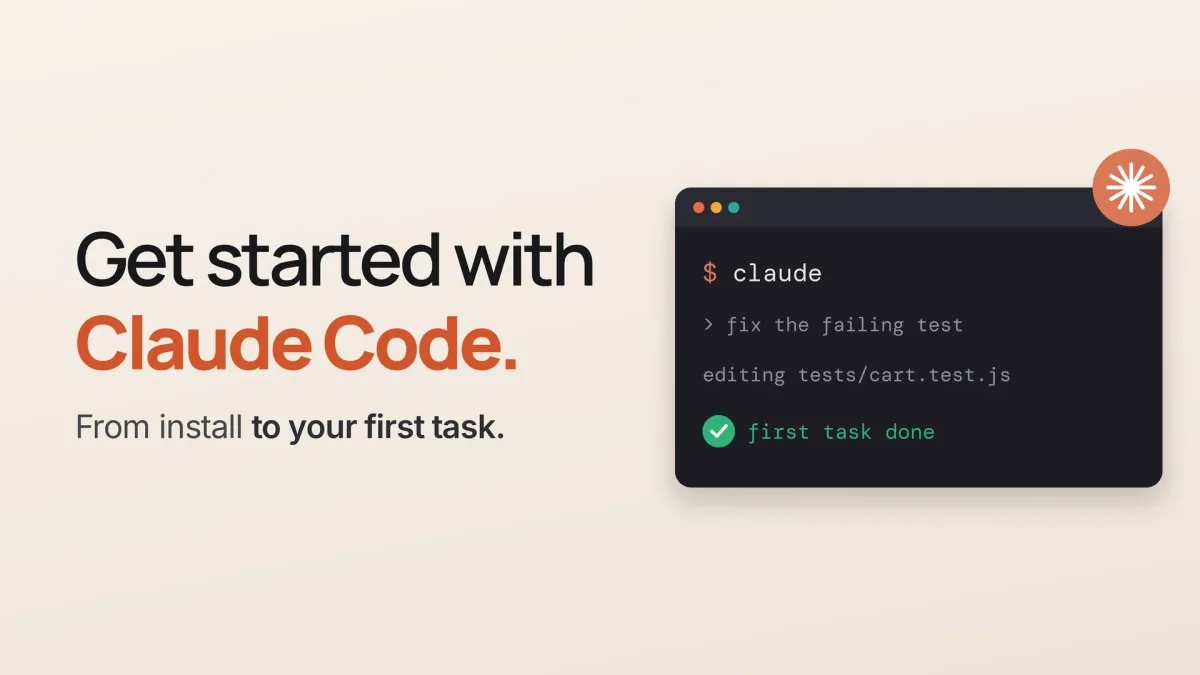
What you will be able to do
Install Claude Code and check that it works on your machineStart a session in the right folder and choose a permission mode on purposeUse the core commands and keep a Claude Code session healthyWrite a CLAUDE.md that teaches Claude your projectFix a real bug and review the diff before accepting itRun Claude Code from a script and bound a task in a hands-on lab
Skills you will gain
- Claude Code setup
- Permission modes
- Core commands
- CLAUDE.md
- Diff review
- Scripted runs
About this course
For developers new to Claude Code. Install it and check it works, start a session in the right folder, choose a permission mode on purpose, use the core commands, write a CLAUDE.md, fix a real bug with a reviewed diff, and run one safe scripted call.
Claude AI
Curriculum
Welcome3 min
Requirements
How to use a terminal
Basic git
A project folder, ideally a git repository
macOS 13, Windows 10 1809, Ubuntu 20.04 or newer
Debian 10 or Alpine 3.19 or newer
At least 4 GB of RAM
Claude Pro, Max, Team or Enterprise
Or a Console account with prepaid credit
The free chat plan does not include it
What you walk away with
A Yallo AI Academy certificate of completion, issued when every lesson is complete and the final assessment is passed at 70% or aboveA public verification page, so a stranger can check the certificate without asking you for a filePDF download, and a one-click share to your LinkedIn profile
Yallo AI Academy certifies completion of
Claude Code for Beginners