AI for BusinessintermediateVideo + quiz
Keep Your Team’s Prompts Working: Libraries, Tests and Model Changes
Look after the prompts your team relies on.
 Watch the first lesson freeWelcome: Fernhill Grid and what you will do · 3 min
Sign in to watch one lesson from this course free.
What you will be able to do
Write a prompt card that says what a shared prompt is for and who owns itRun a team prompt library with owners, versions and an approval stepBuild a ten case test and score it with a rubric anyone can applyCarry a team through a model change with a routine, not a scramble
About this course
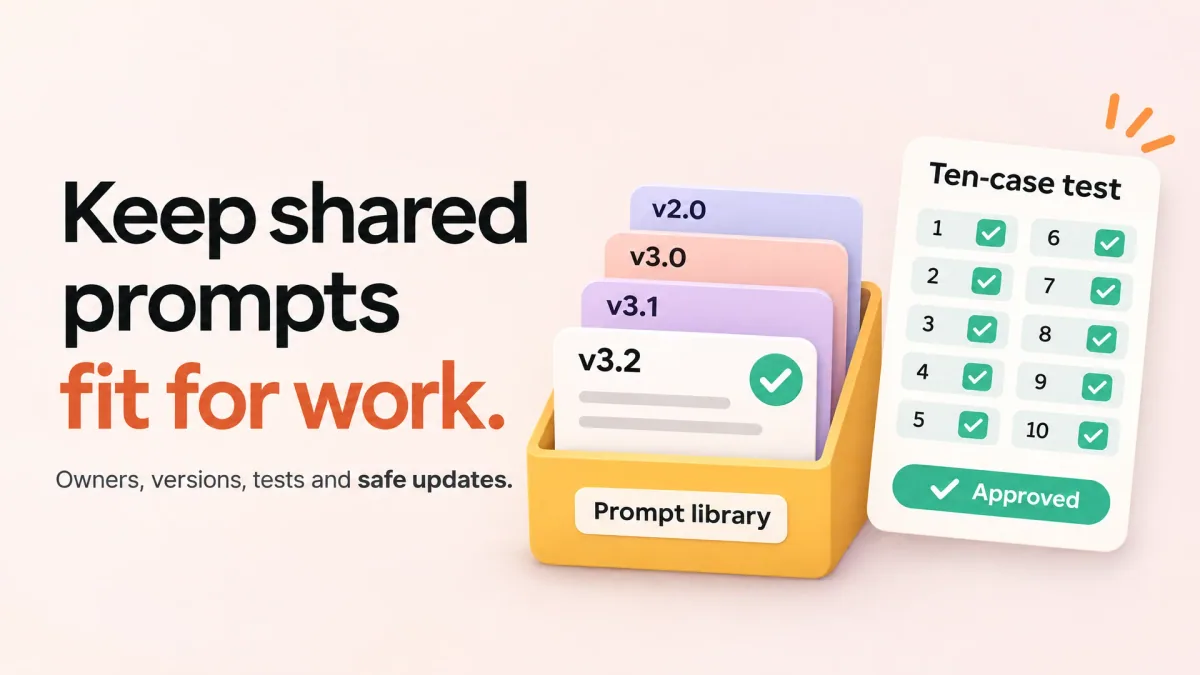
Look after the prompts your team relies on. Write a prompt card for every shared prompt, run a library with owners, versions and approval, package prompts as Projects, skills and plugins, build a ten case test any manager can score, tell a real change from noise, and carry the team through a model change or a retired feature without a bad message reaching a customer.
AI for Business
Curriculum
Welcome: Fernhill Grid and what you will doFree preview3 min
Why a shared prompt stops working3 min
Writing a prompt card4 min
When the vendor moves the model3 min
Check: prompts the team depends on
Requirements
How to use one AI chat assistant
How to edit a spreadsheet
A free account with one AI assistant
Three prompts your team reuses
The lab files from the source code pack
Node on your computer, or a free spreadsheet
What you walk away with
A Yallo AI Academy certificate of completion, issued when every lesson is complete and the final assessment is passed at 70% or aboveA public verification page, so a stranger can check the certificate without asking you for a filePDF download, and a one-click share to your LinkedIn profile
Yallo AI Academy certifies completion of
Keep Your Team’s Prompts Working: Libraries, Tests and Model Changes