Microsoft Copilot at Work: Get More Done
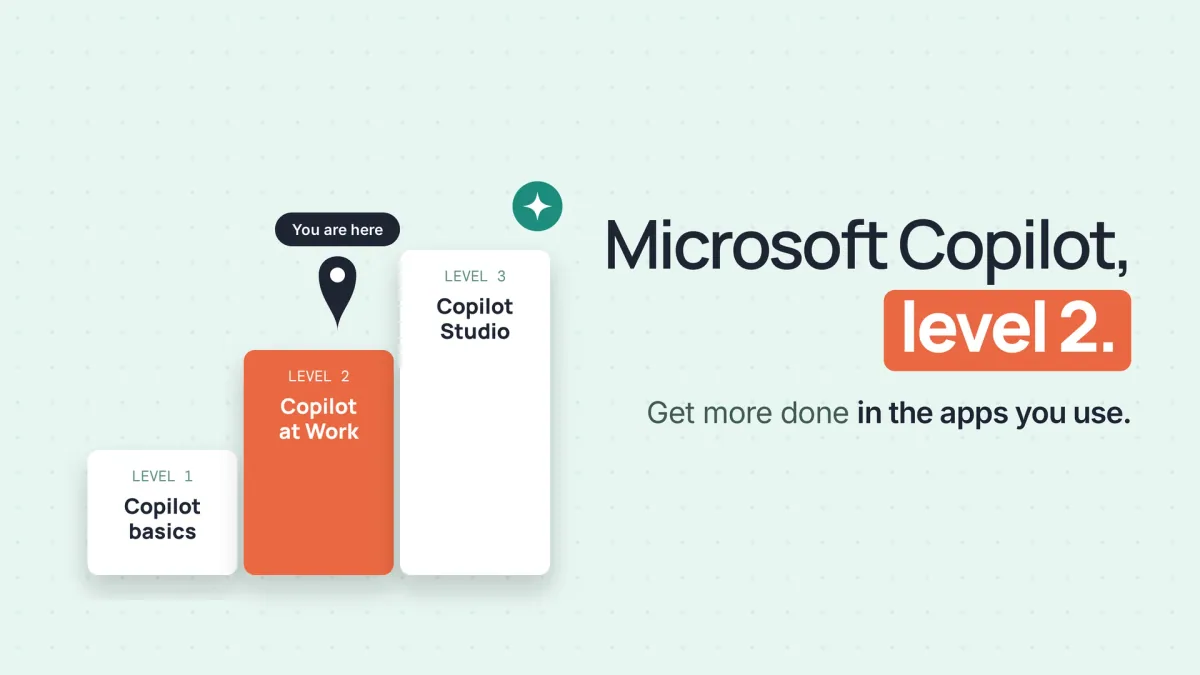
Level 2 of the Microsoft Copilot path, between the free Copilot basics and the Copilot Studio course.
 Watch the first lesson freeWelcome · 4 min
Sign in to watch one lesson from this course free.
What you will be able to do
Skills you will gain
- Copilot in Word and Outlook
- Copilot in Excel
- Copilot in PowerPoint
- Copilot in Teams
- Work IQ
- Researcher and Analyst
- Answer checking
- Safe Copilot use
About this course
Level 2 of the Microsoft Copilot path, between the free Copilot basics and the Copilot Studio course. Use Microsoft Copilot across Word, Outlook, Excel, PowerPoint and Teams for the everyday work of a busy week: drafting and summarising, analysing a workbook, building a deck from a document and turning meetings into actions. Learn what Copilot Chat covers and what needs the Microsoft 365 Copilot (Premium) licence, how Work IQ grounds answers in your mail, files and meetings and when to switch it off, when Researcher and Analyst are worth the wait, how to prompt and check every answer, and how to keep sensitive work safe. A lab on made up files with a Premium route and a free Copilot Chat route for every step.
Curriculum
Requirements
What you walk away with
Yallo AI academy certifies completion of
Microsoft Copilot at Work: Get More Done