Step 1 of 6 in AI for Data Analysts.
AI LiteracyfoundationalVideo + quiz
Build Trusted Power BI Reports with Copilot
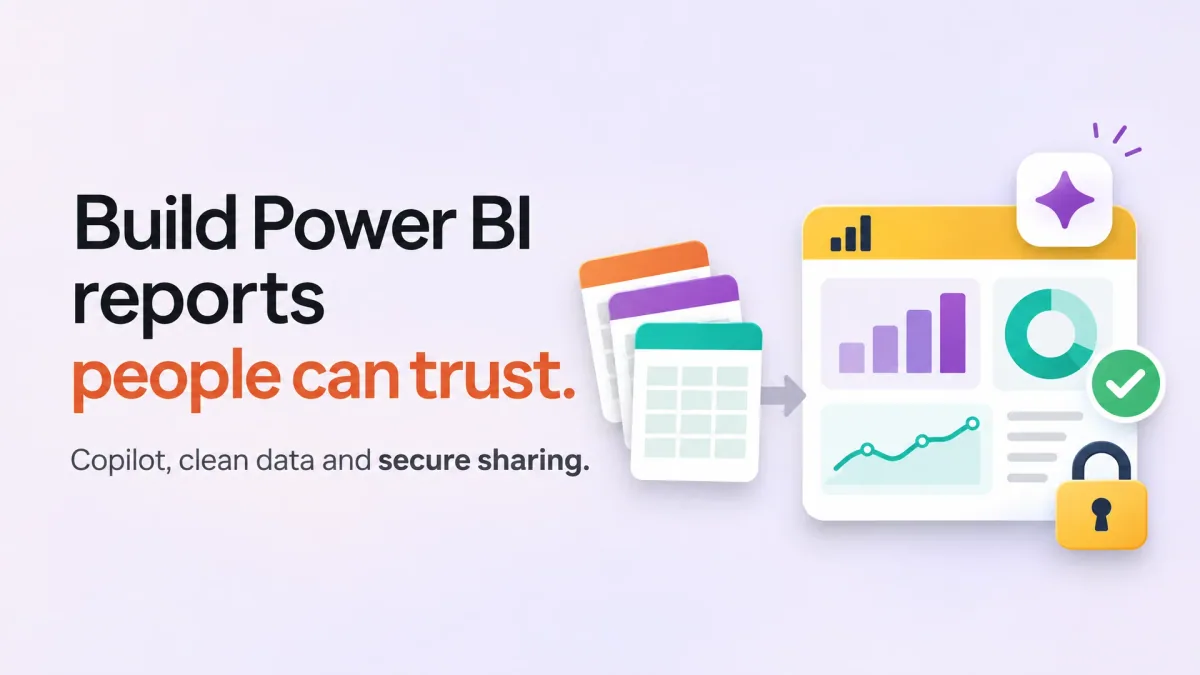
Build a Power BI report people can trust, from raw files to a secured, shared app, and use Copilot where it really helps.
 Watch the first lesson freeWelcome: who this course is for and where it goes · 3 min
Sign in to watch one lesson from this course free.
What you will be able to do
Connect and clean data with Power Query and shape a star schemaWrite DAX measures and time intelligence you can checkBuild report pages, slicers and drill-through from business questionsPrepare a model for Copilot and test it with golden questionsUse Copilot to draft report pages, DAX and descriptions, and check its outputShare through workspaces and apps, secure with row-level security and govern AI analytics
Skills you will gain
- Power Query
- Star schema modelling
- DAX measures
- Power BI report design
- Copilot in Power BI
- Row-level security
About this course
Build a Power BI report people can trust, from raw files to a secured, shared app, and use Copilot where it really helps.
AI Literacy
Curriculum
Requirements
Excel formulas and pivot tables
How a monthly sales report is read
Power BI Desktop on Windows, free
On a Mac, the Power BI service in a browser
A free Groq key for the DAX drafting step
Paid Fabric capacity to follow Copilot
What you walk away with
A Yallo AI academy certificate of completion, issued when every lesson is complete and the final assessment is passed at 70% or aboveA public verification page, so a stranger can check the certificate without asking you for a filePDF download, and a one-click share to your LinkedIn profile
Yallo AI academy certifies completion of
Build Trusted Power BI Reports with Copilot