Technical AIintermediateVideo + quiz
Ship Code with GitHub Copilot: Agent Mode, Cloud Agent and Review
Use GitHub Copilot from the editor to the merged pull request.
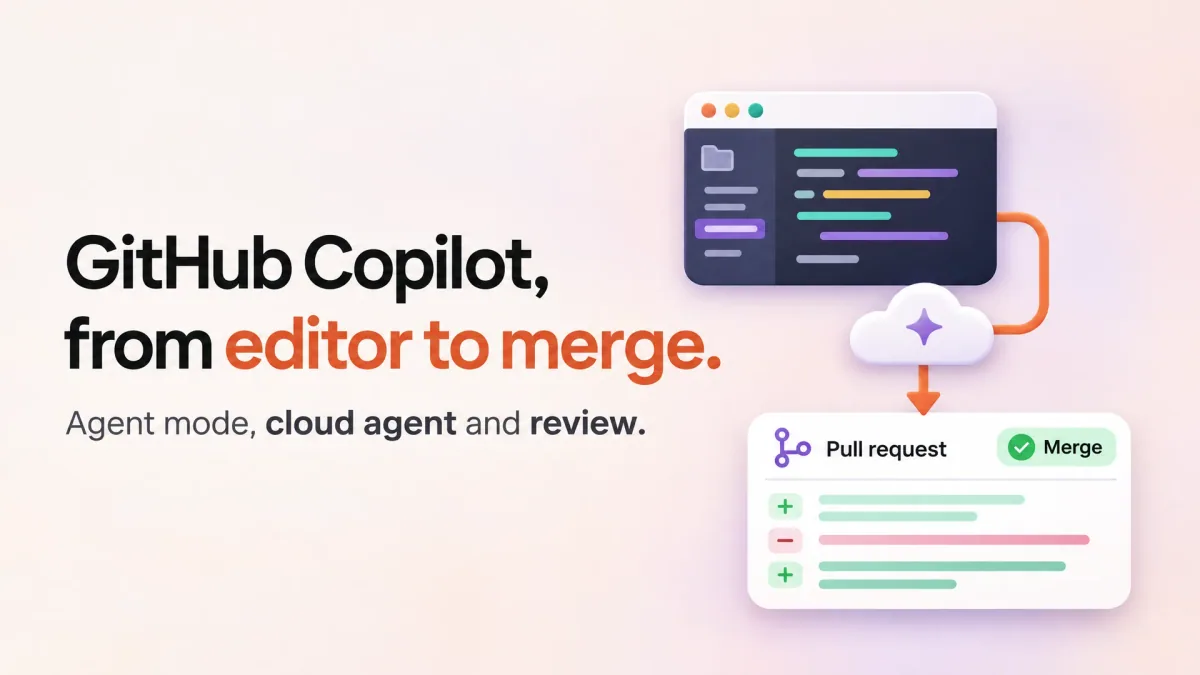 Watch the first lesson freeWelcome: Fordwich Robotics and its fleet planner · 3 min
Sign in to watch one lesson from this course free.
What you will be able to do
Choose a Copilot plan and model knowing what each request costs in AI CreditsBrief Copilot with instructions files, skills and MCP servers so its edits fit your repositoryRun agent mode, the Copilot CLI and the cloud agent on real issues, with approvals in placeReview an agent pull request, use Copilot code review, and set budgets and policies for a team
About this course
Use GitHub Copilot from the editor to the merged pull request. You price a plan by its AI Credits, brief Copilot with instructions files, skills and MCP servers, run agent mode and the Copilot CLI with approvals and tool rules, hand an issue to the cloud agent and review what it sends back, use Copilot code review as a first reader, and set budgets, policies and content exclusion for a team. The lab runs free on Copilot Free, with a mock agent for anyone without it.
Technical AI
Curriculum
Requirements
Git branches, commits and pull requests
How to run tests in a terminal
VS Code and a GitHub account
Copilot Free is enough for the lab
Copilot proposes the change
You decide what merges
What you walk away with
A Yallo AI Academy certificate of completion, issued when every lesson is complete and the final assessment is passed at 70% or aboveA public verification page, so a stranger can check the certificate without asking you for a filePDF download, and a one-click share to your LinkedIn profile
Yallo AI Academy certifies completion of
Ship Code with GitHub Copilot: Agent Mode, Cloud Agent and Review